

1, Basic characteristics and uses of M8 adapter
The M8 adapter, known for its 8mm locking thread design, is more compact compared to other sizes of connectors and is ideal for applications requiring lightweight connectors or limited space. In industrial environments, M8 adapters are often used as connections between sensors and actuators to ensure stability and reliability of signal and power transmission.
One of the notable features of the M8 adapter is its sturdy design. Adopting extrusion molding technology and sealing mechanism, the waterproof and dustproof rating reaches IP67, enabling it to work stably in harsh environments such as humidity, dust, and vibration. In addition, the M8 adapter offers a variety of configuration options, including male and female heads, straight and angled heads, as well as different versions of 3-pin, 4-pin, and 5-pin to meet various complex application needs.
2, Preparation work before installation
Before installing the M8 adapter, a series of preparatory work is required to ensure a smooth installation process.
Confirm device interface: Firstly, it is necessary to confirm whether the interface type of the industrial equipment matches the M8 adapter. This includes checking the size, shape, and number of pins of the interface.
Choose the appropriate M8 adapter: Select the appropriate M8 adapter based on the interface type and application requirements of the device. For example, for applications that require waterproofing and dust prevention, an adapter with IP67 rating should be selected.
Prepare installation tools: Prepare the corresponding installation tools according to the end connection method of the M8 adapter (such as screw end connection, panel installation, welding or crimping).
Check the working environment: Ensure that the installation environment is dry, dust-free, and in compliance with safety regulations. Installation work should be avoided in damp or flammable environments.
3, Installation steps for M8 adapter
Disconnect power supply: Before installing the M8 adapter, be sure to disconnect the power supply of industrial equipment to prevent dangerous situations such as electric shock or short circuit.
Dismantling existing connectors: If there are already connectors on the device, they need to be removed. During the disassembly process, care should be taken to avoid damaging the equipment interface or connector.
Cleaning interface: Use cleaning agents or alcohol cotton balls to clean the device interface, ensuring that there are no dust, oil stains, or other impurities. After cleaning, wait for the interface to completely dry before proceeding to the next step.
Install M8 adapter: Align the M8 adapter with the device interface, gently rotate and push in until you hear a "click" sound or feel significant resistance. This indicates that the M8 adapter has been correctly installed in place. During installation, be careful not to apply excessive force to avoid damaging the adapter or device interface.
Fixed adapter: Use the appropriate tool to secure the adapter according to its termination method. For example, for adapters with screw end connections, a screwdriver should be used to tighten the screws; For panel mounted adapters, screws or buckles should be used to secure them to the panel.
Check connection: After installation, carefully check the connection between the M8 adapter and the device interface. Ensure that the adapter is fully inserted and securely fixed, without any looseness or misalignment. At the same time, it is also necessary to check whether the waterproof and dustproof rating of the adapter meets the application requirements.
Restore power and test: After confirming that the M8 adapter has been correctly installed and secured, the power supply of industrial equipment can be restored. Then, perform functional testing to ensure that the adapter can function properly and transmit signals or power. During the testing process, attention should be paid to observing the operating status of the adapter and the response of the device in order to promptly identify and solve problems.
4, Precautions and maintenance after installation
Regular inspection: Regularly inspect the M8 adapter to ensure that it is not damaged, loose, or corroded. If any problems are found, they should be replaced or repaired in a timely manner.
Keep clean: Regularly clean the M8 adapter and device interface to prevent impurities such as dust and oil from affecting the connection effect. Suitable cleaning agents and tools should be used during cleaning to avoid damaging adapters or device interfaces.
Avoid frequent plugging and unplugging: Try to minimize frequent plugging and unplugging operations on the M8 adapter to extend its lifespan. If you need to replace the adapter, you should follow the correct operating steps.
Record information: When installing and replacing the M8 adapter, relevant information such as the adapter model, specifications, production date, etc. should be recorded. This helps to quickly identify and resolve issues during subsequent maintenance processes.

How to install M8 adapter onto industrial equipment?
Popular Products

Rosenberger Waterproof LCA-106-2000-Z-Z Cable
The LCA-106-2000-Z-Z is a Rosenberger H-MTD waterproof automotive cable assembly featuring E6K141-1CAZ5-Y straight jack
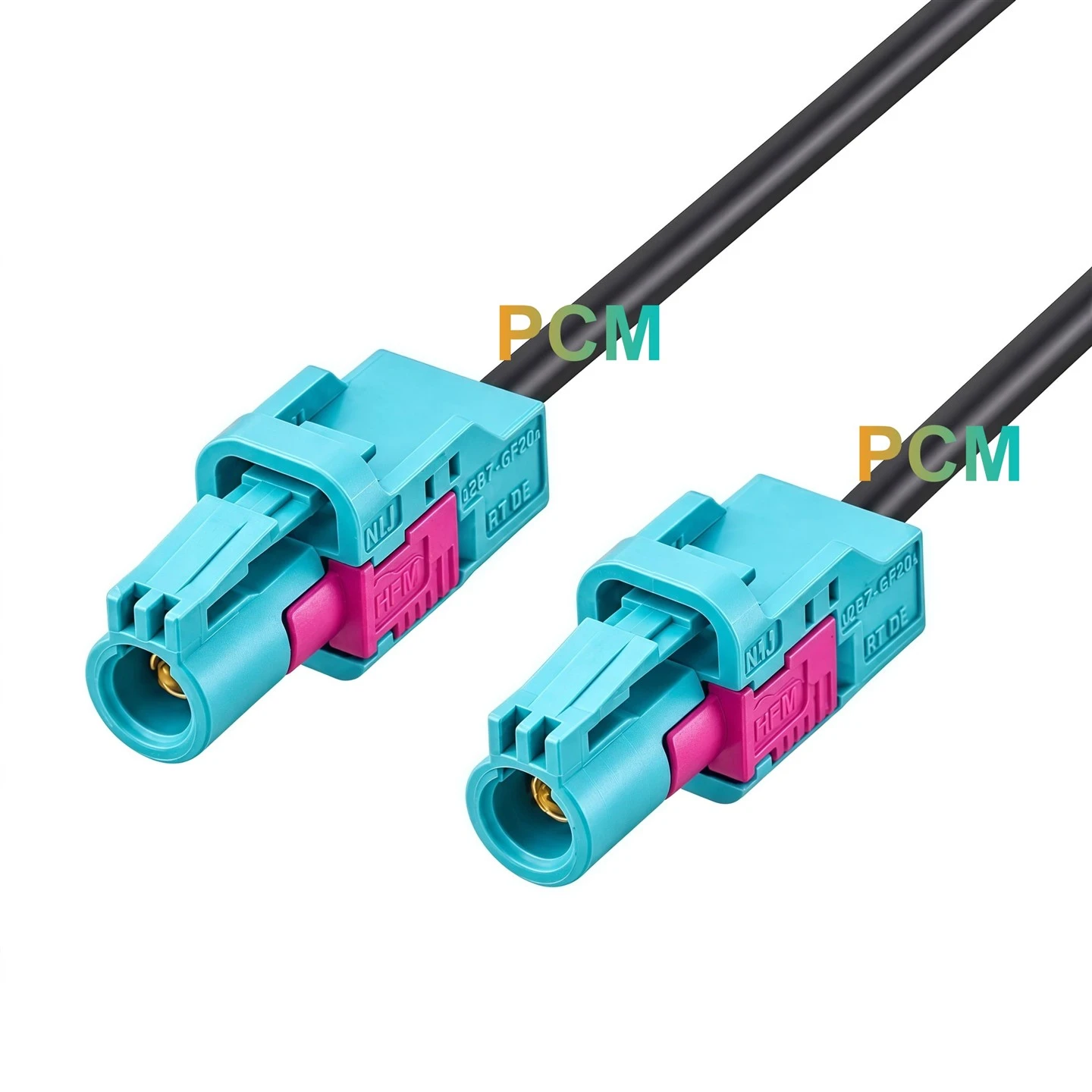
Rosenberger L02-008-2000-Z-Z Cable
The Rosenberger L02-008-2000-Z-Z features AMK12A-102Z5 HFM connectors, AMZ001-000-Y housings at both ends, and DACAR
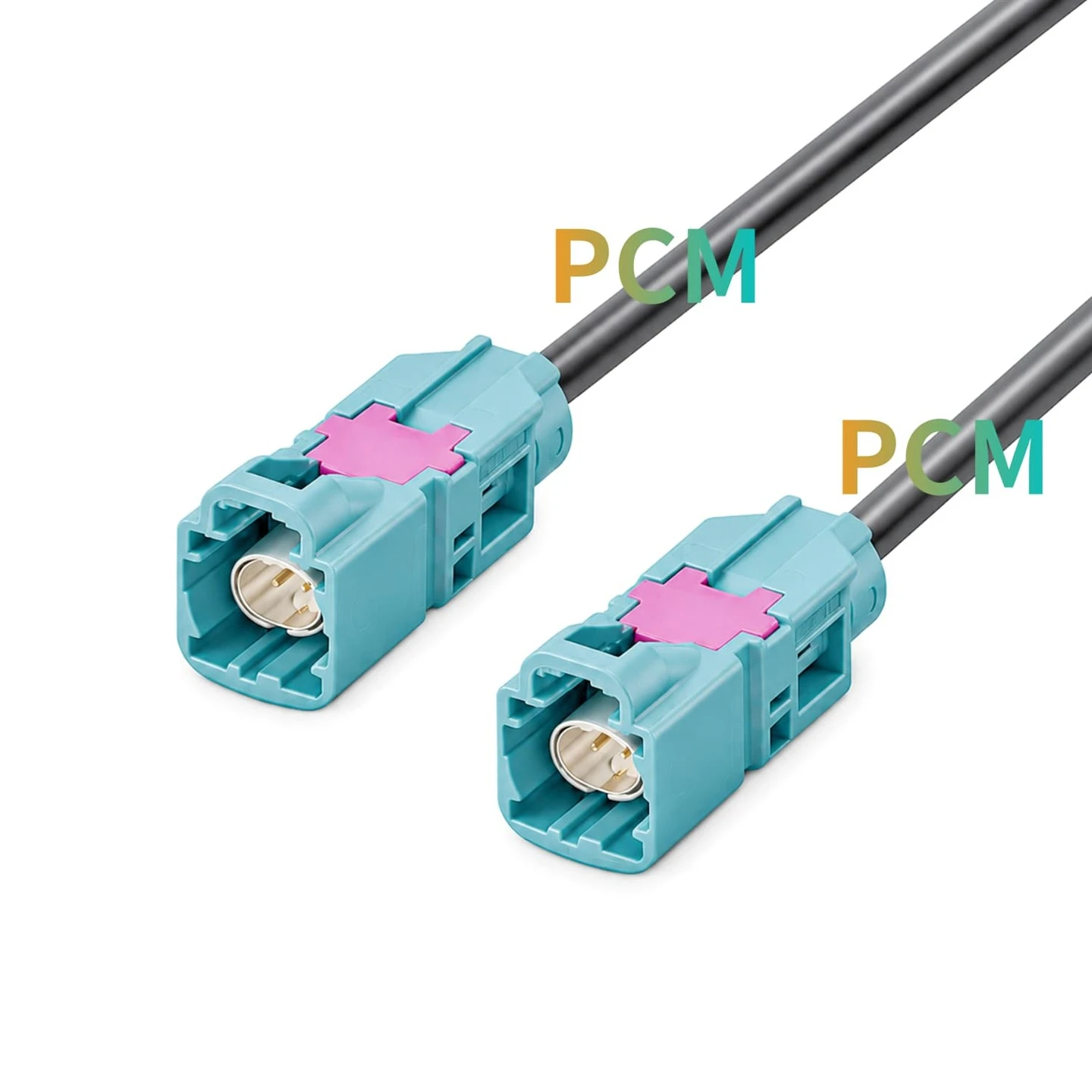
Rosenberger LCA-104-1000-Z-Z Cable
The LCA-104-1000-Z-Z is a Rosenberger H-MTD automotive high-speed cable assembly featuring two E6S10A-1CAZ5 straight
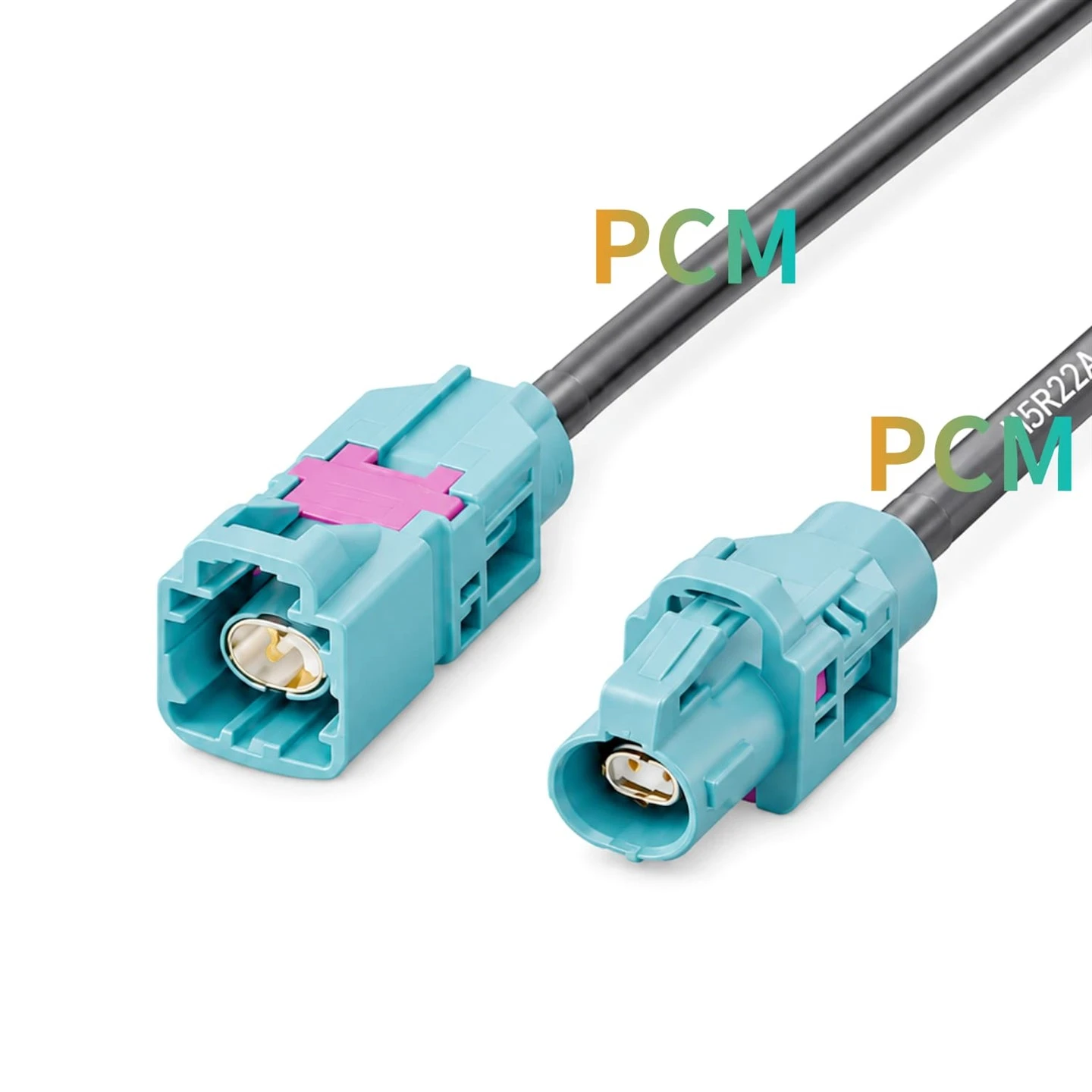
Rosenberger LCA-103-1000-Z-Z Cable
The LCA-103-1000-Z-Z is a Rosenberger H-MTD automotive cable assembly featuring E6S10A-1CAZ5 and E6K10A-1CAZ5

Rosenberger LCA-106-2000-Z-Z Cable
The Rosenberger LCA-106-2000-Z-Z is a waterproof H-MTD cable assembly featuring E6K141-1CAZ5-Y straight jack connector,
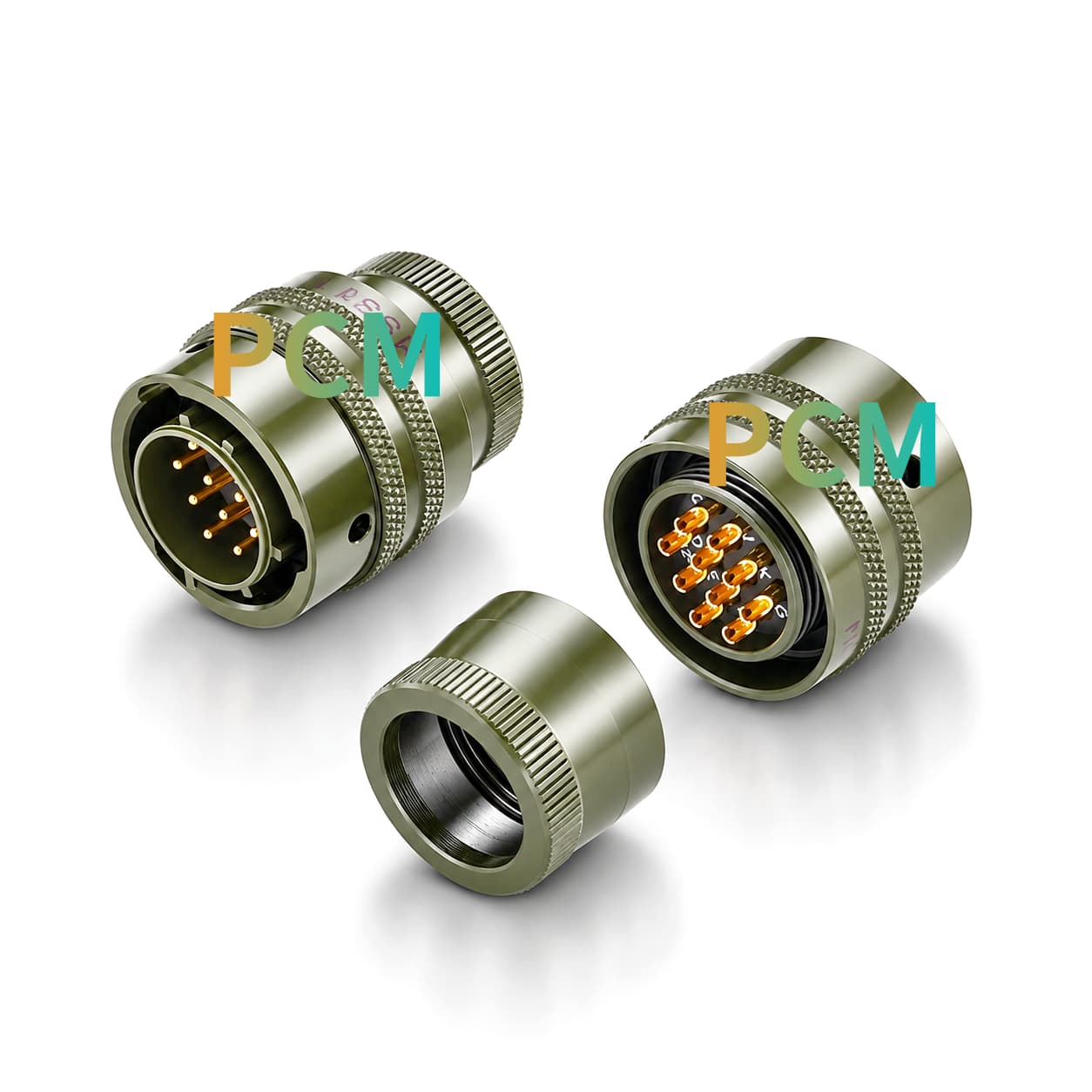
MS3116E12-10P Connector
The MS3116E12-10P is a 10-position circular electrical connector featuring a 12-10 insert arrangement for military