What Is USB to RS232 ?
USB to RS232 conversion normally contains two technical layers.
The first layer is:USB ↔ UART Bridge
For example, PCM-KW-469 identifies FT232RNL in its drawing.
The second layer is:UART ↔ RS232 Electrical Transceiver.
Because a microcontroller or USB-to-UART bridge normally uses logic-level UART signals while conventional RS232 has its own electrical characteristics, an appropriate level-conversion circuit is required.
After conversion, the computer typically recognizes the device as a serial port or virtual COM port.
The software can then:
- Open the COM port
- Configure baud rate
- Configure data bits
- Configure parity
- Configure stop bits
- Send serial commands
- Receive serial data
What Is RS232 ?
RS232 is a classic point-to-point serial communication interface standard.
Typical applications include:
- CNC systems
- PLCs
- Industrial PCs
- Instrumentation
- POS equipment
- Barcode equipment
- Legacy control systems
- Test equipment
DB9 is a common connector used for RS232, but an important distinction must be made:
The same DB9 housing can carry different signals depending on the equipment design. Therefore, pin assignment must always be verified when determining compatibility.
Fundamental Difference Between USB HID and USB to RS232/RS485
The fundamental difference between USB HID and USB-to-RS232/RS485 conversion can be understood through the following two data transmission architectures:
1. USB Serial Architecture
PC → USB → USB-UART Controller → Serial Transceiver → RS232/RS485/RS422/TTL Device
2. Serial-to-HID Architecture
Serial Device → Serial Data → HID Controller/Firmware → USB HID Report → PC Application (as Keyboard Input)
Therefore, the fundamental difference between these two solutions lies not in the physical appearance of the USB connector, but in the device type and data model through which the converted data is ultimately presented to the operating system and application software.
USB serial solutions typically enable data communication through a virtual serial port (COM Port) or a dedicated serial driver. In contrast, serial-to-USB HID keyboard solutions convert received serial data into HID keyboard input events, allowing applications to receive device data in the same way they receive input from a conventional keyboard.
Quick Product Introduction
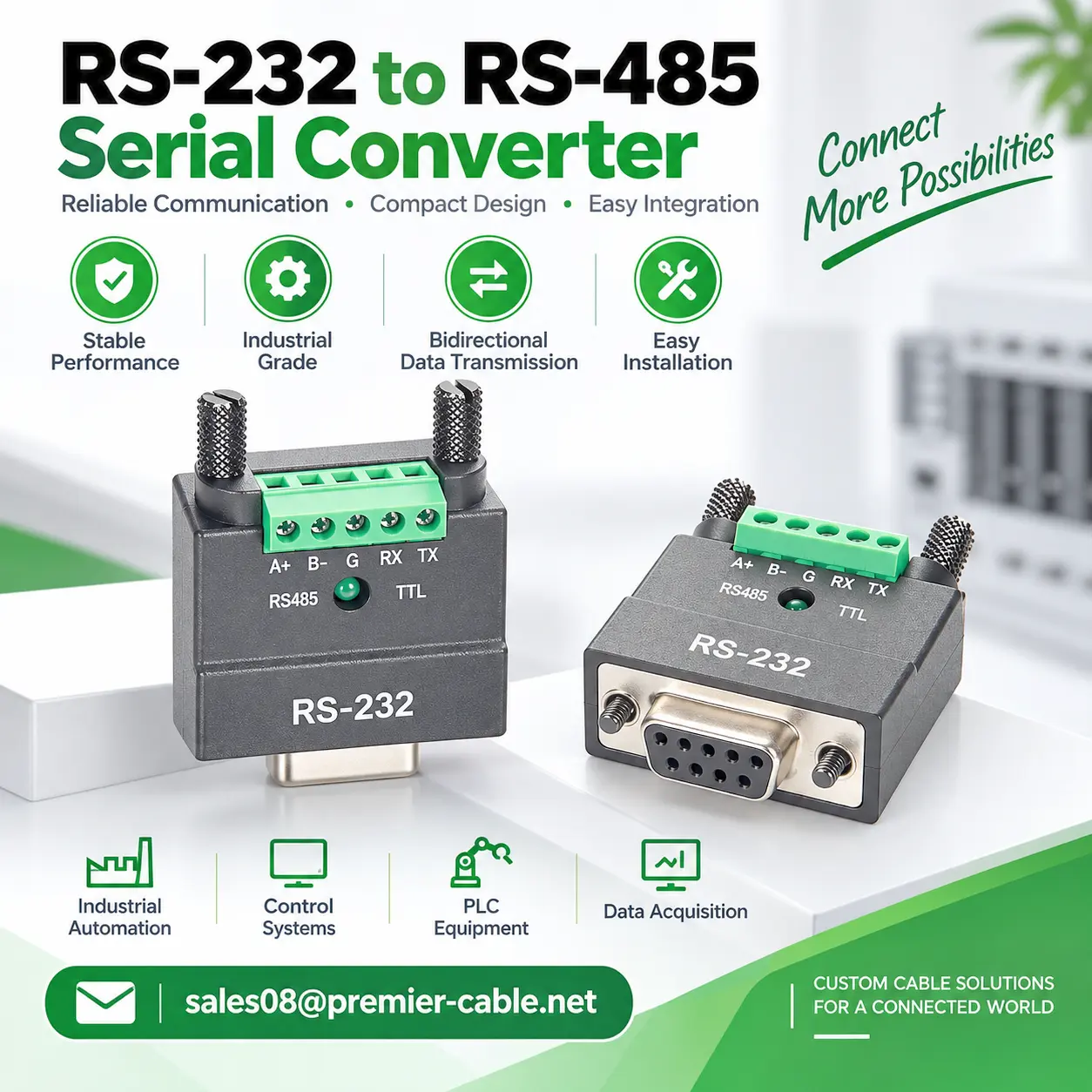
1. 2 In 1 DB9 RS232 to RS485 TTL Serial
PCM-KW-473 is a compact DB9 female RS232 to RS485 / TTL serial converter.
According to the drawing, it uses a DB9 female connector together with a 5-position 3.81 mm-pitch green terminal block. The enclosure identifies:
RS485: A+ and B-
TTL: GND, RXD and TXD
Active status indication
This configuration is suitable for field debugging, industrial equipment interface conversion, serial testing and applications requiring conversion from a DB9 RS232 connector to terminal-block wiring.
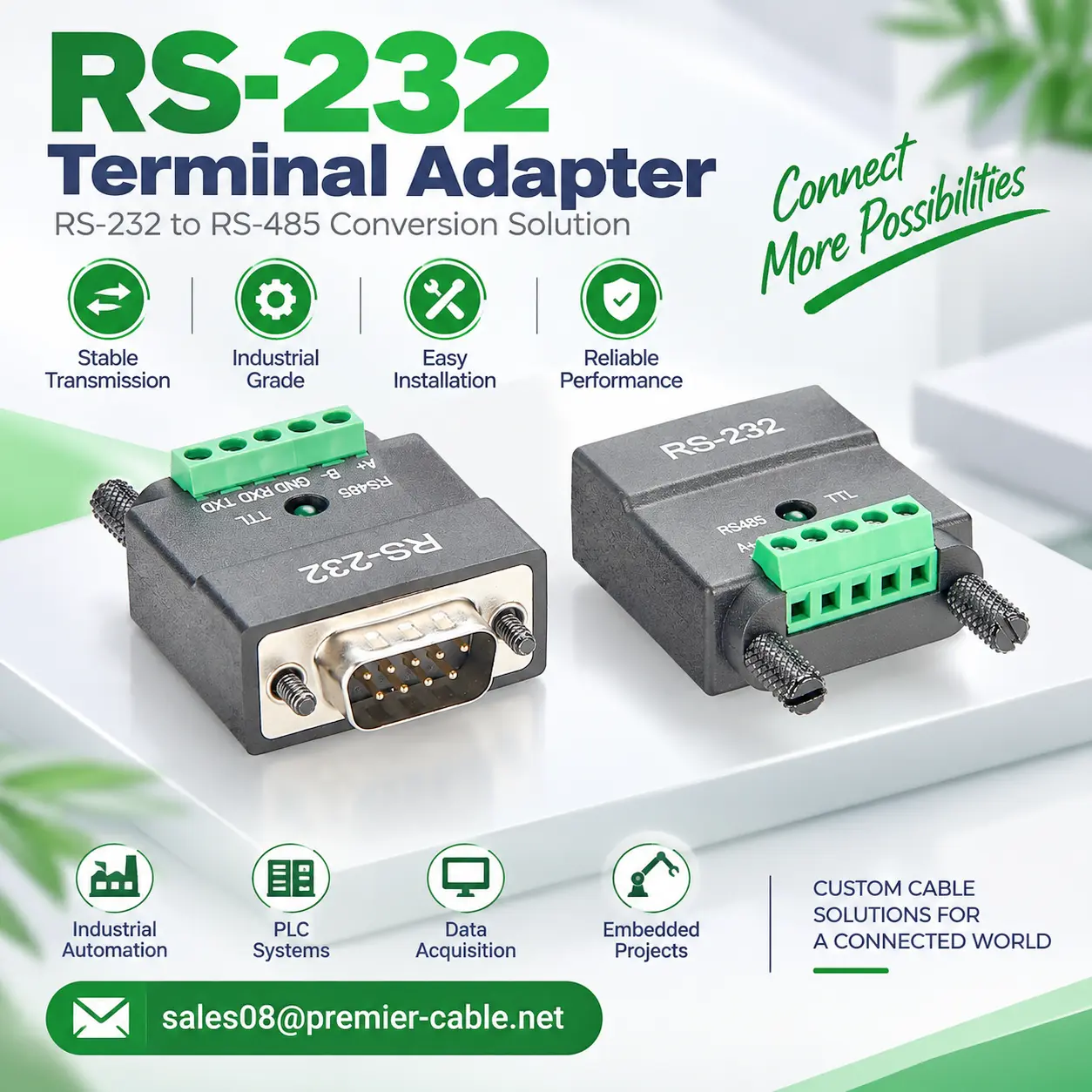
2. RS232 to RS485 TTL Converter
One of the primary differences between PCM-KW-475 and PCM-KW-473 is that PCM-KW-475 uses a DB9 male connector.
It also provides RS485 and TTL-related interfaces and is suitable for equipment requiring a DB9 male RS232 connection.
From a product-selection perspective, PCM-KW-473 and PCM-KW-475 have similar functional directions, but DB9 gender must not be ignored simply because the electrical conversion function is similar. Mechanical mating depends directly on whether the equipment-side connector is male or female.
3. RS232 to RS485 RS422 Serial Adapter
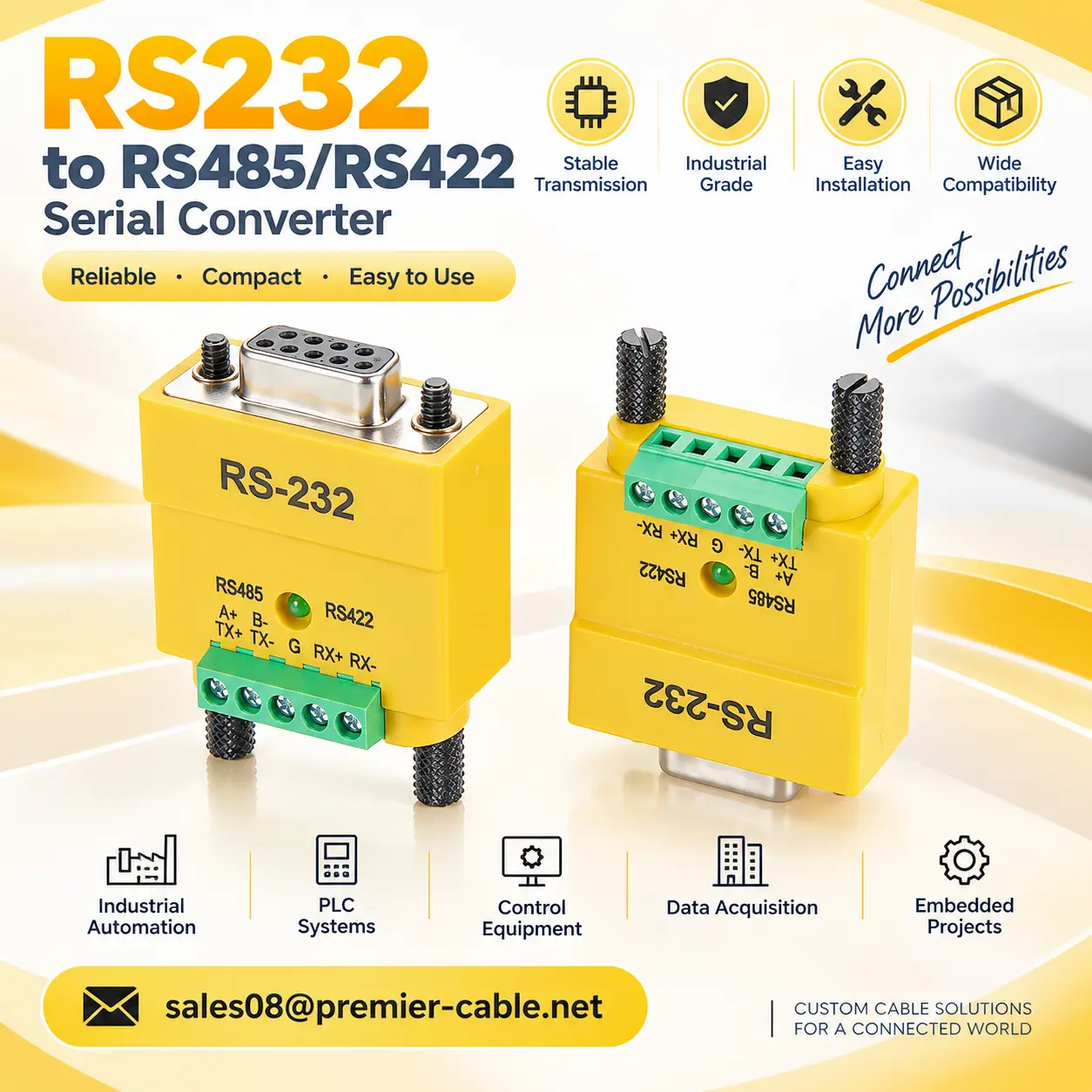
PCM-KW-472 uses a DB9 female connector and a five-position terminal block on the opposite side.
According to the drawing, its terminal interface is intended primarily for:
RS485:
A+ ; B-
RS422:
TX+ ;TX- ;RX+ ;RX- with GND provided as required by the circuit implementation.
It is therefore more suitable than the RS485/TTL versions for RS422 differential serial devices, industrial controllers, instrumentation and related serial debugging applications.
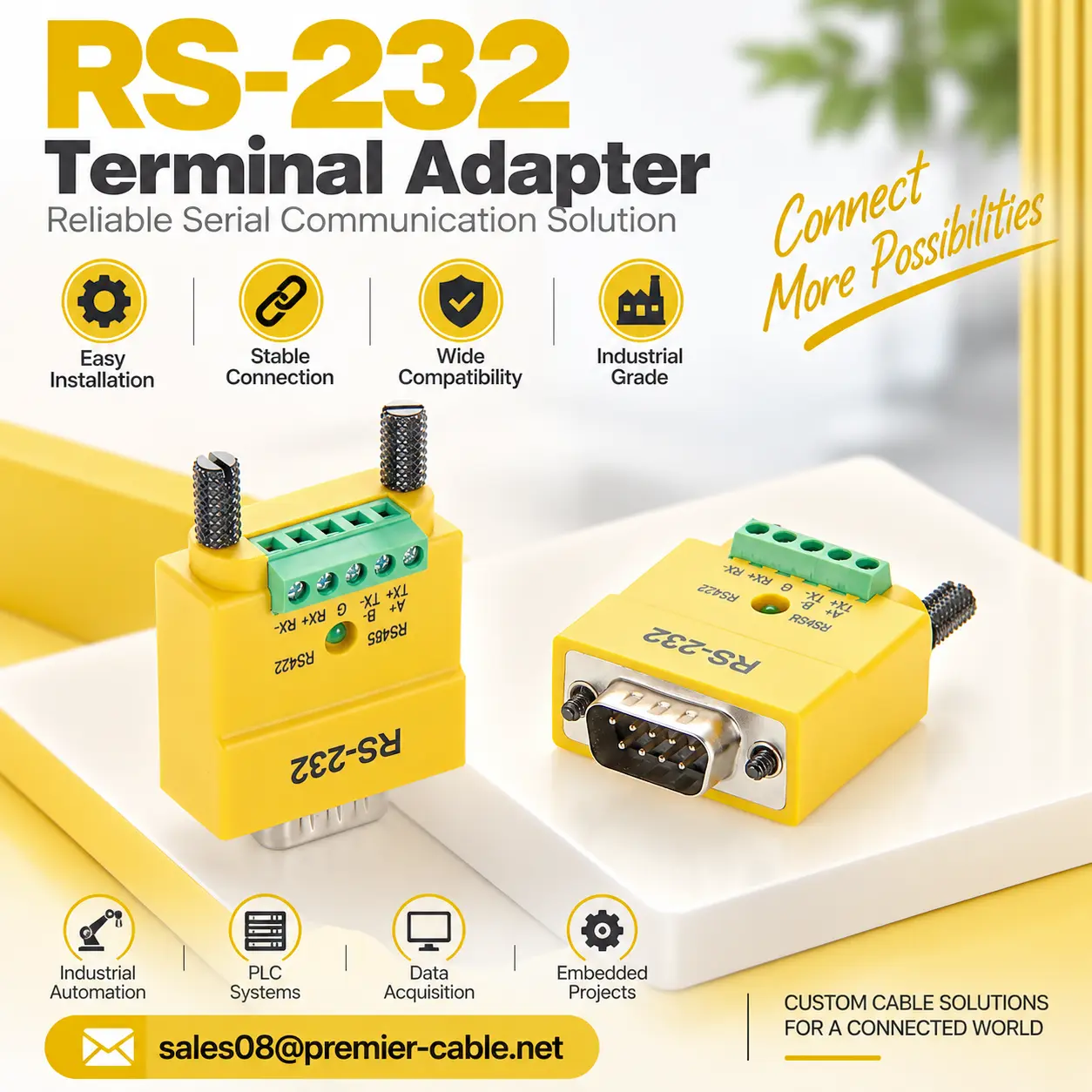
4. RS232 to RS485 RS422 Converter
PCM-KW-474 belongs to the same functional family as PCM-KW-472 but uses a DB9 male connector.
It is likewise designed for RS232 to RS485 / RS422 interface-conversion applications.
Therefore, if the project clearly requires RS485 / RS422 rather than TTL, the initial choice between PCM-KW-472 and PCM-KW-474 should be based on DB9 gender, the mating equipment interface and the mechanical installation requirements.
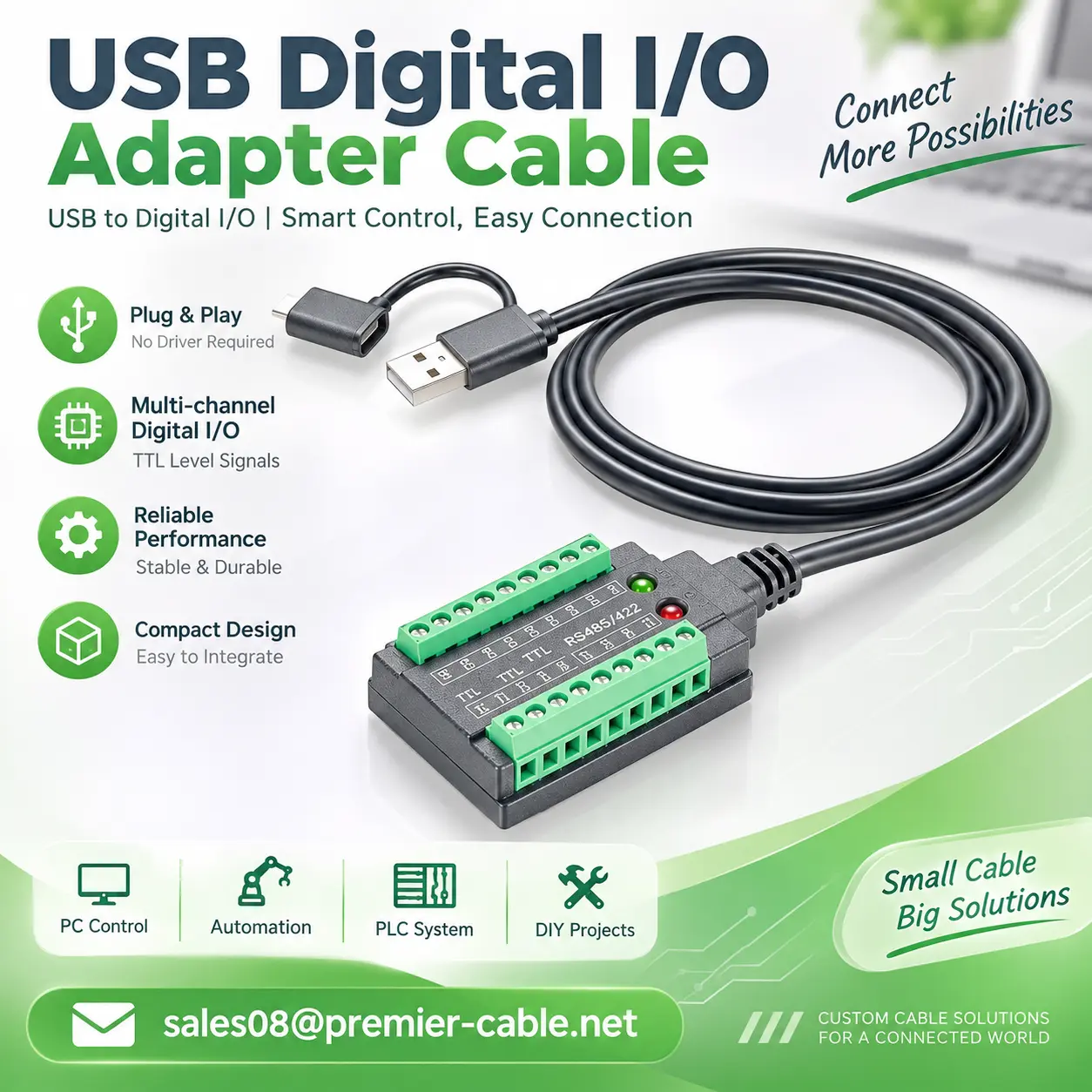
5. USB to RS232 RS485 RS422 TTL Serial Cable
The main difference between PCM-KW-469 and the previous four products is that its host-side interface is USB rather than DB9 RS232.
The drawing specifies an overall cable length of approximately:1000 ± 20 mm and provides multiple terminal interfaces for RS232, RS485, RS422 and TTL-related serial signals.
The drawing BOM identifies the PCB as: KA-1046 REV1.0
and specifies the following chipset combination: FT232RNL + UM213 + MAX485
This means the product is not a simple mechanical adapter. It incorporates a USB-to-serial bridge together with the required serial transceiver circuitry.
For modern PCs, notebooks and industrial computers without native COM interfaces, this type of product can provide a bridge between USB and conventional serial equipment.
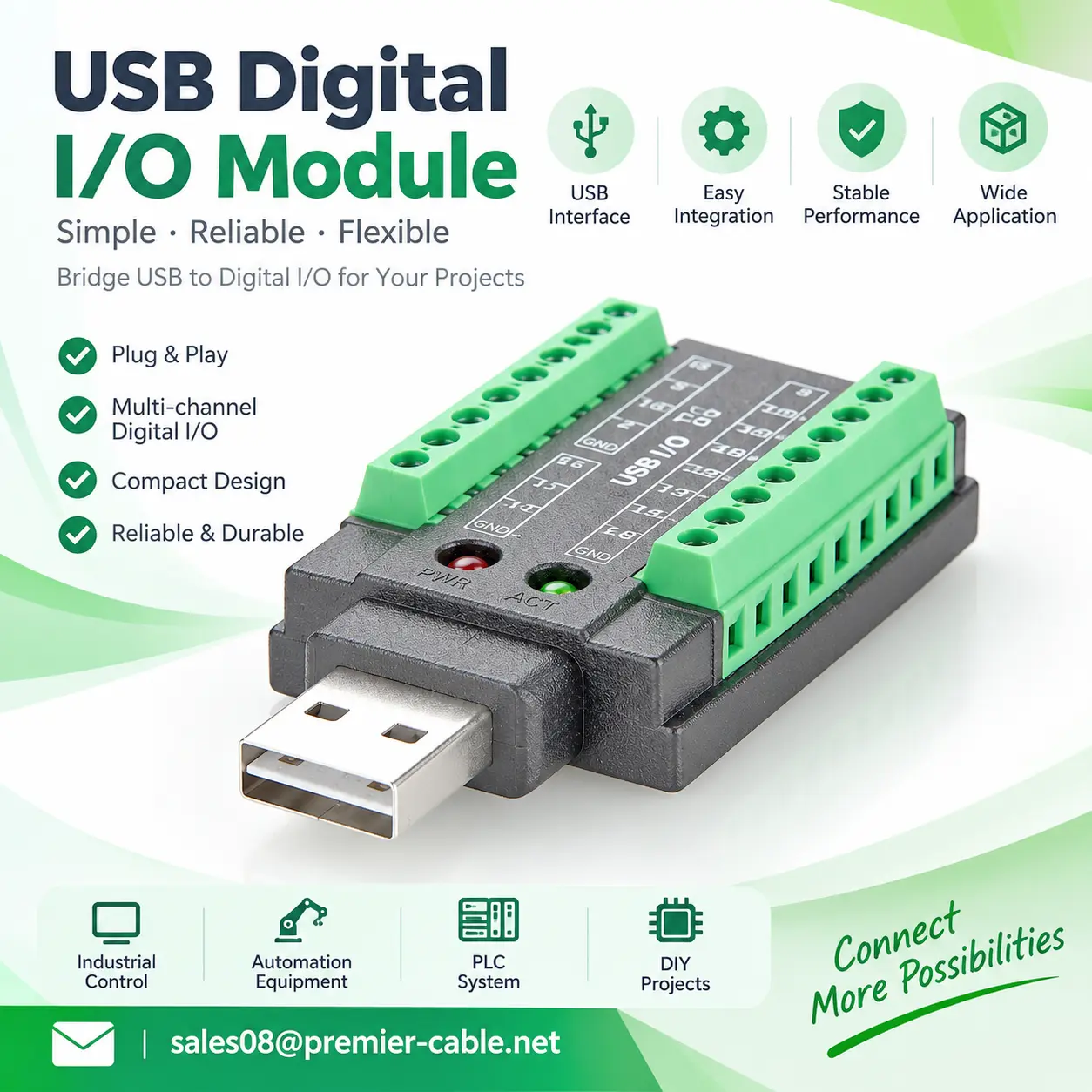
6. USB to RS232 RS485 RS422 TTL Serial Adapter
PCM-KW-468 is a multi-protocol serial converter featuring a USB-A male connector and dual-sided 9-position terminal blocks. It incorporates an FT232RNL and UM213+MAX485 chipset solution to provide corresponding wiring interfaces for different serial signals.
The product housing is marked with 5V, 3.3V, TXD, RXD, GND, RS485 differential signals and RS232-related control signals, making it suitable for industrial communication projects requiring wiring according to equipment interfaces.
The specific serial modes, signal directions and whether multiple interfaces can operate simultaneously should be determined according to the corresponding circuit design and firmware functionality.
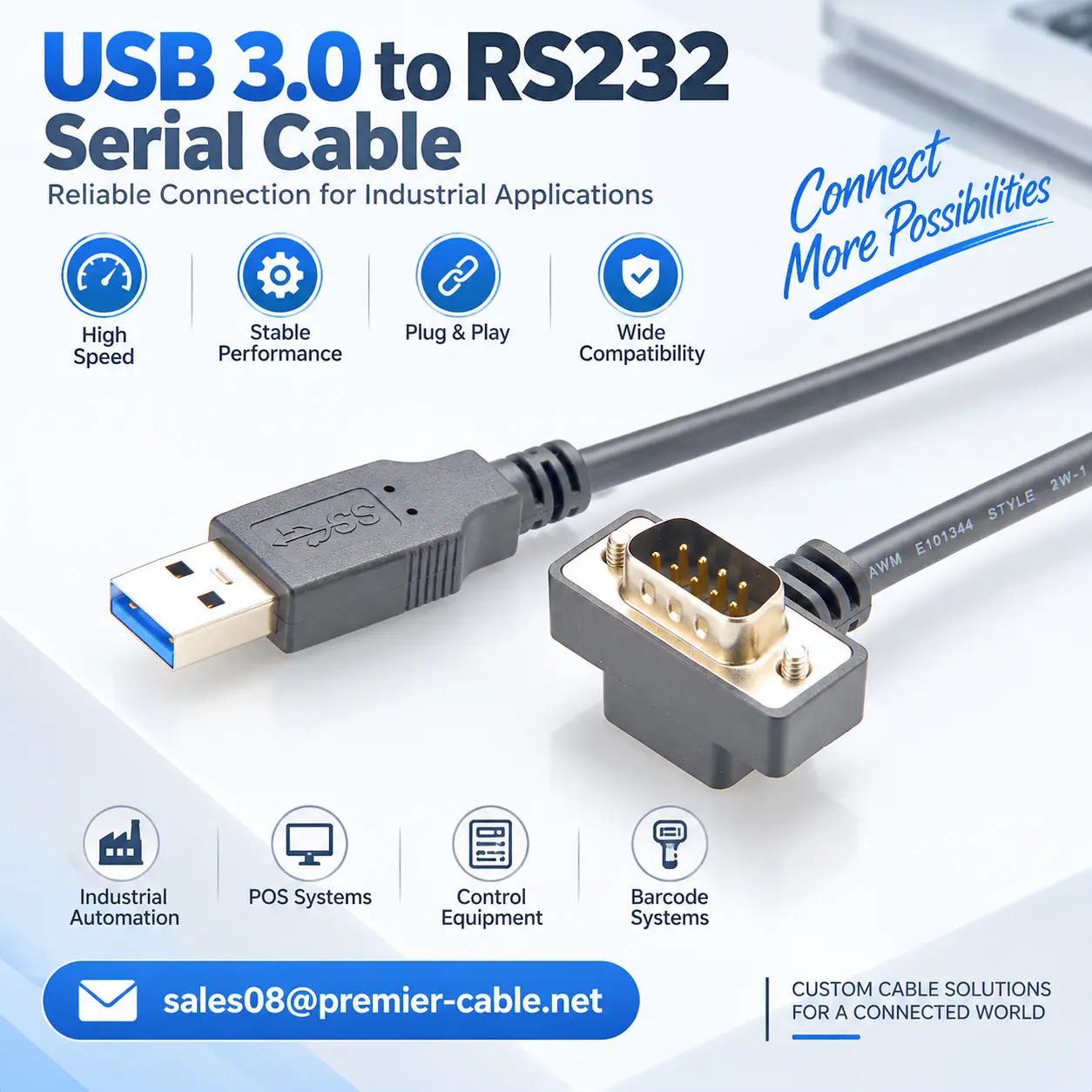
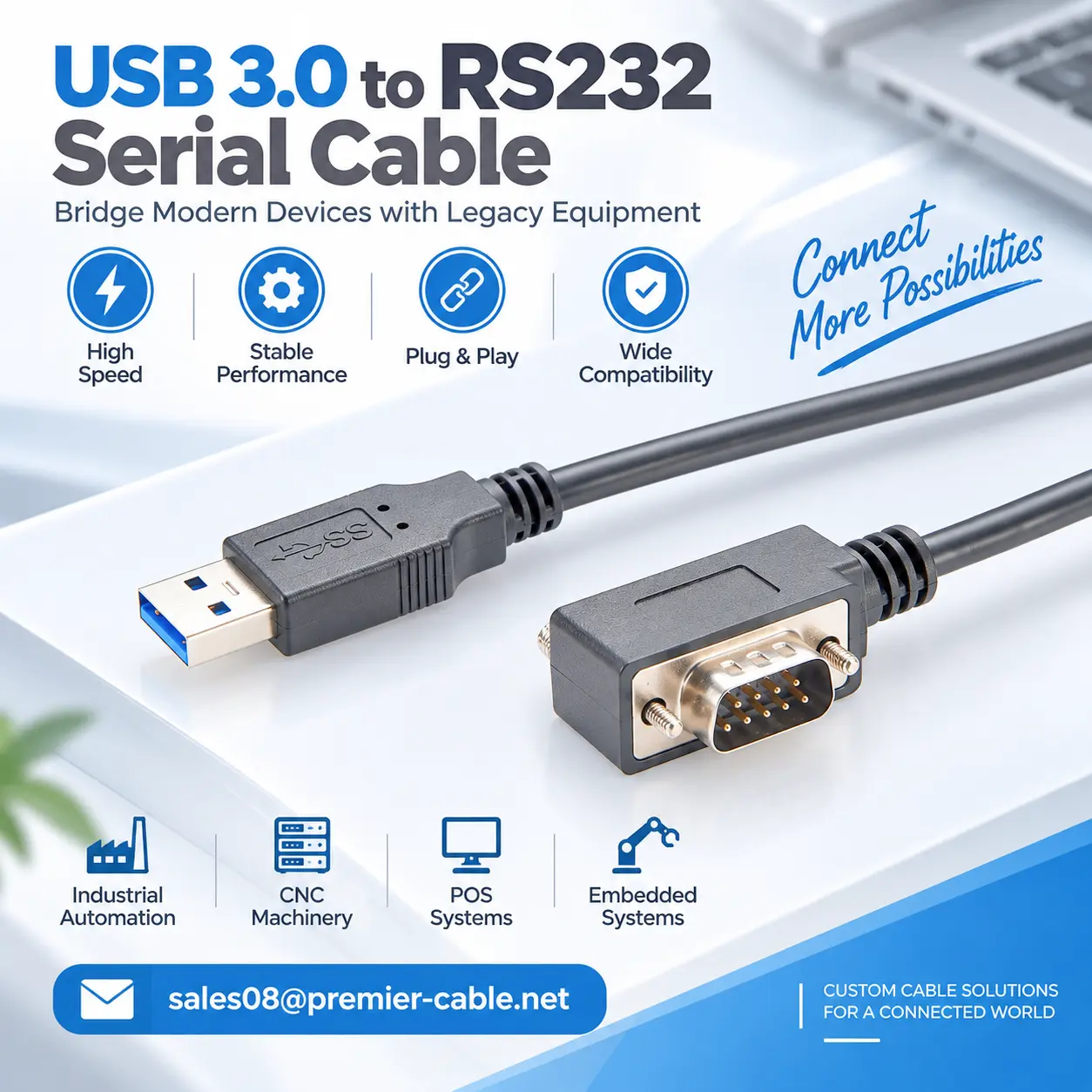
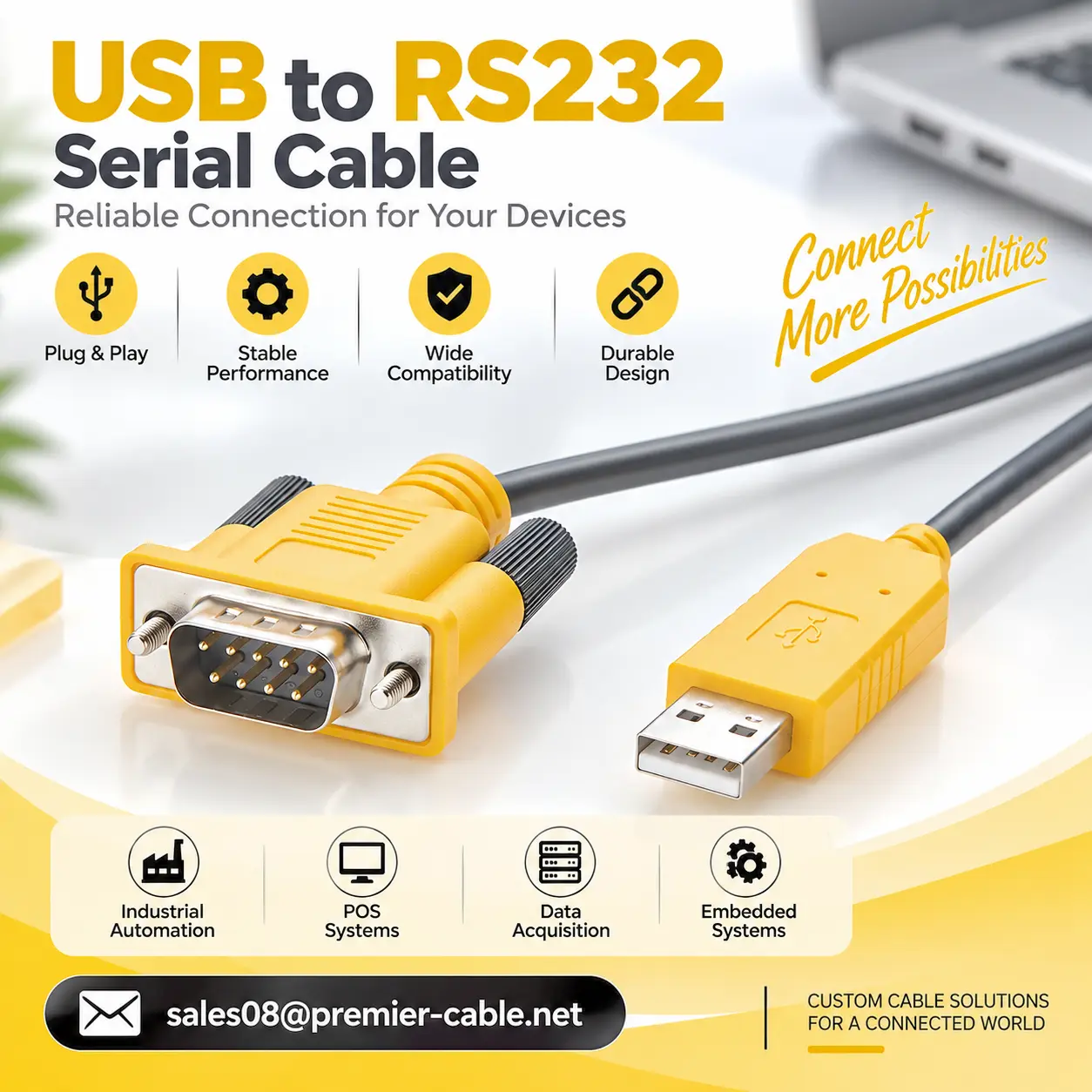
7. USB to RS232 DB9 Serial Adapter Cable Right Angle
The DB9 end features a right-angle cable exit, which can reduce the straight cable clearance required behind the connector according to the equipment installation orientation. It is suitable for industrial control cabinets, industrial computers, test instruments and serial devices with limited installation space.
The product establishes serial communication between a USB host and an RS232 device. Actual functionality depends on driver support, chipset configuration and the communication requirements of the target equipment.
8. FTDI USB to Serial RS232 Adapter Cable
PCM-KW-452 features a USB-A male to DB9 9-pin male configuration, incorporates an FT232RNL and UM213 chipset solution, and has a cable length of 1000±20mm.
The product connects to a computer through a USB interface and can provide a serial communication interface on supported host systems after installation of the appropriate USB serial driver, allowing connectivity with RS232 industrial equipment.
Compared with the right-angle cable version, this product features a different DB9 cable exit orientation and can be selected according to the equipment interface position, available installation space and cable routing requirements.
9. RS232 Serial to USB HID Keyboard Cable
PCM-KW-559 represents an important technical dividing point within this product group. Although it also uses USB Type-A and DB9 connectors, its intended function differs from that of a conventional USB-to-RS232 COM-port adapter.
The drawing specifies a KA-1153 REV1.0 PCB with a CH9328 IC, an overall length of 1500 ± 30 mm, and a DB9 male interface primarily using Pin 2 RXD, Pin 3 TXD and Pin 5 GND.
A CH9328-based design can be used to convert serial data into USB keyboard-class HID input. Therefore, this cable is suitable for converting data from serial equipment into HID keyboard input accepted by the host. Exact HID behavior, serial parameters and data-processing rules depend on the actual firmware configuration.
10. Serial to HID Keyboard Converter Cable
PCM-KW-576 follows the same Serial-to-HID technical direction as PCM-KW-559 and also uses the KA-1153 REV1.0 PCB with a CH9328 IC and an overall length of 1500 ± 30 mm.
The primary difference is that PCM-KW-576 uses a DB9 female connector. According to the drawing, its DB9 female signal definition is Pin 2 TXD, Pin 3 RXD and Pin 5 GND.
Therefore, although PCM-KW-559 and PCM-KW-576 share a similar internal conversion objective, their DB9 gender and associated signal assignments differ. The connector gender and pin assignment of the target equipment must not be ignored simply because both products are described as Serial to HID Keyboard cables.
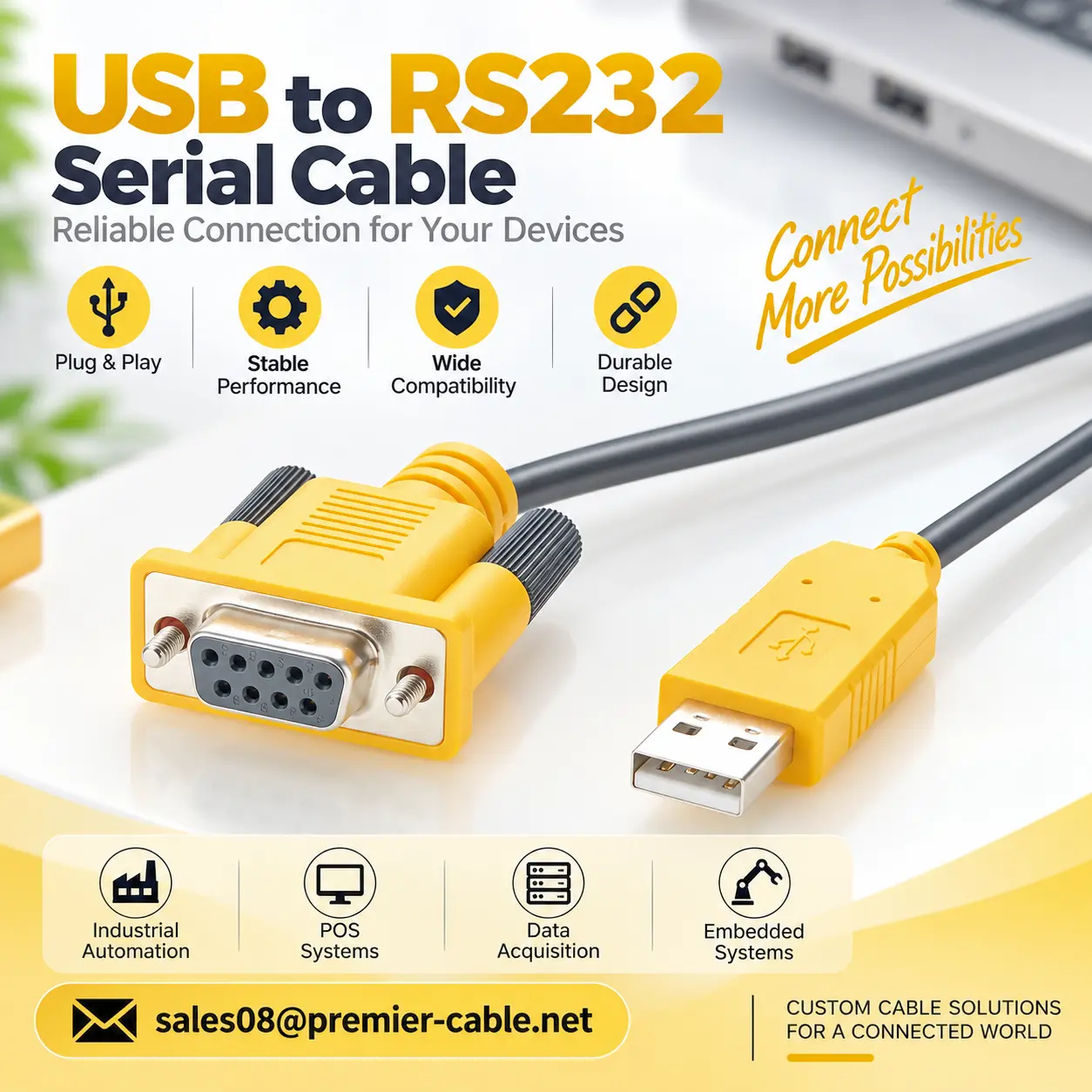
Pain Point Analysis
Why Are Serial to USB HID Keyboard Converter Cables Needed ?
01
USB Type-A only defines the connector format. A product may enumerate as a Virtual COM Port or operate as an HID Keyboard. Selection should verify the USB device class, target serial standard, communication direction, and software access method rather than relying on connector appearance alone.
Product Comparison & Selection Guide
The selection logic can be simplified as follows:
Multiple RS232/RS485/RS422/TTL interfaces are required for debugging → PCM-KW-468
USB-to-standard DB9 RS232 is required with normal installation clearance → PCM-KW-451
USB-to-DB9 RS232 is required but rear installation space is limited → PCM-KW-452 Right Angle
Serial data must be converted into USB HID keyboard input with a DB9 male interface → PCM-KW-559
Serial data must be converted into USB HID keyboard input with a DB9 female interface → PCM-KW-576
For RS232 → RS485 / TTL: Evaluate PCM-KW-473 / PCM-KW-475.
For RS232 → RS485 / RS422:Evaluate PCM-KW-472 / PCM-KW-474.
For PC USB → RS232 / RS485 / RS422 / TTL:Evaluate PCM-KW-469.
For Serial Data → Keyboard Input:
The five serial products discussed above should not be treated as HID keyboard converters. A dedicated serial-to-HID solution is required.
Compatibility Statement
Interface, Electrical, and Communication Compatibility
Physical connector mating does not guarantee system compatibility. Before use, verify the product P/N, DB9 gender, pin assignment, RS232/RS485/RS422/TTL electrical standards, signal direction, logic voltage, and serial parameters. For RS485, also confirm A/B definitions, termination resistance, and communication mode. True 1:1 replacement requires engineering validation.
USB Driver, Data Protocol, and HID Keyboard Compatibility
USB serial and Serial-to-HID products require verification of USB device class, driver requirements, operating system, device protocol, and target software compatibility. HID converters must also be tested to ensure their firmware correctly parses serial data and generates the required characters and keyboard events, including Enter/Tab. Successful physical connection does not guarantee correct data entry or application compatibility.
How to Select the Right Product ?
Confirm the Host Interface and Software Data Reception Method
First, confirm whether the host uses a native RS232 or USB interface and whether the target software requires COM port communication or HID keyboard input. For hosts with RS232 interfaces, PCM-KW-473, 475, 472, or 474 may be evaluated. For USB-only hosts, a USB-to-Serial solution can be selected. If the software only accepts keyboard input, Serial-to-HID Keyboard products such as PCM-KW-559 or 576 should be evaluated.
Verify Serial Electrical Standards and Communication Parameters
Identify the RS232, RS485, RS422, or TTL UART electrical standard and verify signal levels, communication direction, baud rate, data bits, stop bits, and parity. RS485 A/B, RS422 differential signals, and TTL TXD/RXD must not be connected interchangeably. When selecting multi-interface converters such as PCM-KW-468, use the terminals and communication settings that match the target equipment.
Verify Connector Gender, Pin Assignment, and Installation Design
Select DB9 male or female connectors according to the equipment interface and verify TXD, RXD, GND, and DTE/DCE configurations. PCM-KW-473 and 475, PCM-KW-472 and 474, and PCM-KW-559 and 576 should be selected based on actual interface requirements. Cable length, USB connector type, locking screws, and straight or right-angle cable exit must also be confirmed to ensure electrical and mechanical compatibility.
Validate Drivers, Data Protocols, and Target System Compatibility
Finally, verify the operating system, USB drivers, serial protocol, and target software's data-processing requirements. USB serial adapters require COM port recognition and communication testing, while HID keyboard converters require validation of character parsing, keyboard mapping, and data input formats. For customized OEM projects, interface matching, continuous data transmission, and system compatibility should be tested with actual equipment before mass production.
Customization Capabilities
Connector, cable, pinout, shielding and mechanical details can be developed around your equipment interface and installation requirements.
↕ Interface and Connector Customization
Customize USB Type-A/Type-C, DB9 male/female, terminal blocks, and dedicated connectors to meet different equipment requirements.
□ Serial Interface and Circuit Customization
Customize RS232, RS485, RS422, TTL, and HID conversion solutions with suitable controllers, transceivers, and protection circuits.
◉ Pinout and Communication Parameter Customization
Customize TXD/RXD, A/B signal pinouts, baud rate, data bits, parity, stop bits, and flow control settings.
⚙ HID Keyboard Function Customization
Customize character parsing, data filtering, keyboard mapping, and automatic Enter/Tab input according to serial data formats.
⌘ Cable and Mechanical Customization
Customize cable length, wire gauge, jacket, shielding, color, DB9 cable exit direction, and overmold design to meet installation requirements.
◇ OEM Production and Project Integration
Provide OEM sample development, chipset selection, product labeling, custom packaging, and volume production with compatibility validation.
Product FAQ
Are USB HID and USB to RS232 the Same Product ?
No.
USB HID is a USB device class, and a typical HID keyboard is recognized by the computer as a keyboard.
USB to RS232 products are normally recognized as serial or virtual COM-port devices and are used to transmit and receive serial data.
Their software access methods, USB descriptors and application scenarios are different.
Does USB to RS485 Automatically Mean Modbus ?
No.
USB to RS485 provides a bridge between USB and the RS485 physical communication interface.
Modbus RTU is a higher-level communication protocol.
Generating RS485 A/B signals does not automatically guarantee compatibility with the target device's Modbus address, register definitions, CRC handling or baud rate.
Can TTL Be Connected Directly to RS232 ?
Direct connection is not recommended.
TTL UART and RS232 use different electrical levels and require an appropriate conversion circuit.
The TTL logic level, such as 3.3 V or 5 V, must also be verified.
Are USB-to-RS232 and Serial-to-USB HID Keyboard the Same Product ?
No. USB-to-RS232 is generally used to establish a serial communication link between a USB host and an RS232 device, while Serial-to-HID Keyboard focuses on processing serial data and presenting it to the host as USB HID keyboard input. Their software interfaces and application logic are different.
Does a USB HID Keyboard Converter Still Require a COM Port ?
If the device operates as an HID keyboard on the USB side, its primary use normally does not require the target application to open a conventional COM port. Instead, the operating system handles the converted information as keyboard events. Exact behavior still depends on the product firmware and system configuration.
How Do I Decide Between USB HID and USB Serial ?
The simplest method is to determine how the target application receives data.
If the application requires a COM port:
Select USB serial.
If the application accepts only keyboard input:
Evaluate USB HID keyboard.
If bidirectional command control or complex binary data transmission is required, a serial interface is generally more appropriate than simple HID keyboard input.