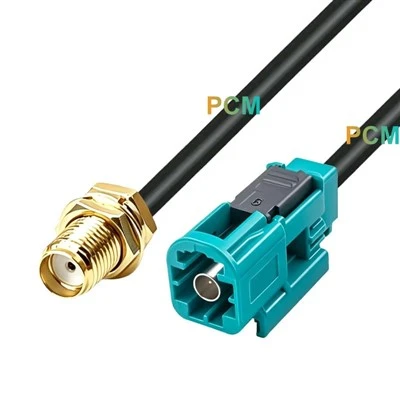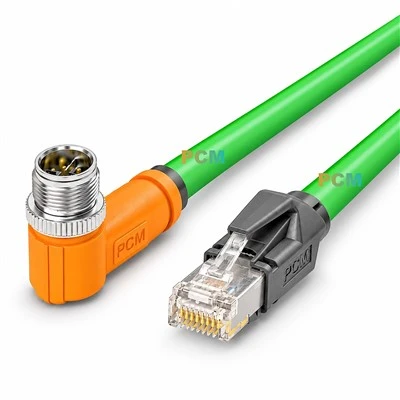
USB Type-E Key-A and Key-B are two different versions of the USB Type-E connector, the main difference lies in the supported USB standard types and functional features.
In short:
Key-A = full-featured Type-C support (fast charging/video/high-speed data).
Key-B = USB Type-A only (legacy USB 3.0 functions).
Detailed differences between Key-A and Key-B

Supported USB standards: Supports USB Type-C and standard USB Type-A.
Features: Contains the CC (Configuration Channel) and SBU (Sideband Use) pins required for USB Type-C. Full support for all advanced features of USB-C, including Fast Charging (PD), DisplayPort video output, Thunderbolt (requires motherboard support).
Therefore, devices connected to the Key-A interface can identify the direction of the USB-C device or cable, supporting reverse insertion and alternative modes (such as Thunderbolt, DisplayPort, etc.).
Application scenarios:
- USB Type-C interface on the front of the chassis (such as high-end PC chassis)
- Motherboard expansion that supports Thunderbolt (such as ASUS ROG, MSI MEG series)
- USB-C debugging interface for industrial equipment

Supported USB standards: Only standard USB Type-A is supported.
Features: Lack of CC/SBU pins, unable to support full Type-C functions (such as fast charge negotiation, video output).
Therefore, devices connected to the Key-B interface cannot identify the direction of the USB-C device or cable, and cannot support reverse insertion and alternative modes.
Application scenarios:
Traditional chassis front USB 3.0 Type-A interface
Server/industrial computer USB expansion (Type-C function not required)
Low-cost motherboard USB 3.0 internal interface
If your device supports USB Type-C (such as ASUS ROG Maximus Z890 Hero motherboard), it is recommended to choose Key-A connector to ensure compatibility and functionality.