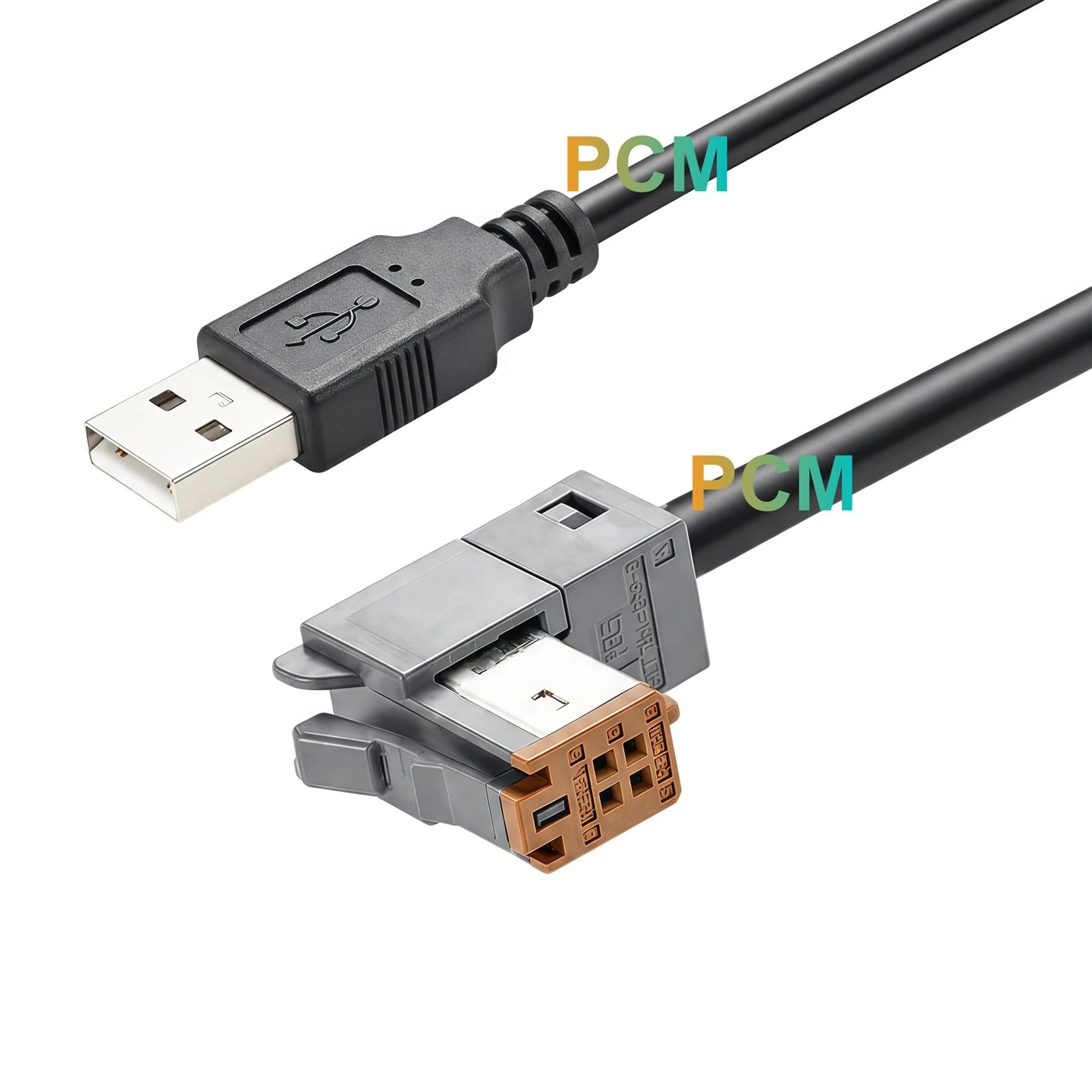
What Is HD-VI? Huawei Camera Interface and Cable Guide
HD-VI is a Huawei camera interface name used in professional video conferencing systems. This guide explains the official terminology, what the interface can carry, how it differs from HDMI and DVI, and what to check when selecting a replacement HD-VI camera cable.
Quick answer: Huawei documentation uses the name HD-VI with a hyphen. HD-VI is not the same interface as HDMI, and it should not be interpreted simply as an abbreviation for "HD video."
Compatibility note: HD-VI has appeared across multiple generations of Huawei video conferencing equipment. Do not assume that every camera, endpoint or 28-pin cable uses the same wiring. Confirm the exact device model, connector arrangement and existing cable before ordering a replacement.
Contents
1. What Is HD-VI?
HD-VI is an interface name used in Huawei professional video conferencing camera systems. Huawei documentation lists HD-VI as a dedicated high-definition output interface on selected camera products and distinguishes it from separate SDI and HDMI outputs.
The key point is that HD-VI is not simply another spelling of HDMI. In Huawei equipment documentation, HD-VI is treated as its own camera connection method, designed for integration between compatible conferencing cameras and video conferencing hardware.
For cable buyers, that means "HD-VI" should be treated as an equipment-specific interface requirement. The camera model, endpoint model and cable arrangement all need to be checked before selecting a replacement.
2. HD-VI, HDVI or HD Video: Which Name Is Correct?
The official Huawei spelling is HD-VI, including the hyphen. When publishing technical content or product pages, HD-VI should therefore be the primary form used in the title, headings and specifications.
For search optimization, HDVI can still be included naturally as a search variation because users and third-party listings may omit the hyphen. However, "HD video" is a generic phrase describing high-definition video and is not the formal name of this Huawei interface.
| Term | Recommended Use | Meaning |
|---|---|---|
| HD-VI | Primary technical term | Huawei interface name |
| HDVI | SEO / search variation | Hyphen-free spelling used in some searches |
| HD Video | Do not use as the interface name | Generic high-definition video phrase |
3. What Can an HD-VI Connection Carry?
Huawei's documentation for the VPC800 describes its HD-VI interface as integrating DVI/YPbPr video, infrared pass-through or serial control, and power functions into the camera connection. This illustrates why HD-VI should be considered more than a simple video-only connector in supported Huawei implementations.
High-Definition Signal
Supported HD-VI implementations can carry the video connection used between compatible conferencing cameras and associated equipment.
Camera Control Functions
Huawei documents infrared pass-through / serial-control integration on the VPC800 HD-VI interface.
Integrated Power
Power is also listed as part of the VPC800 HD-VI interface implementation.
Important: These integrated functions are explicitly documented for the VPC800. Do not automatically assume that every HD-VI camera or every 28-pin cable uses exactly the same pin assignment or electrical implementation.
4. Where Is HD-VI Used?
HD-VI is associated with Huawei professional conferencing camera systems rather than general consumer AV equipment. It appears in camera-to-endpoint connections, conference-room installations and equipment-specific video cabling.
Huawei's TE30, TE40, TE50 and TE60 configuration documentation lists VPC600/VPC620 as the default camera type, confirming that these camera models form part of the supported TE-series conferencing environment.
Huawei's Box 300 / Box 600 installation guide also uses a VPC600 as the camera example and identifies an HD-VI to DVI cable supplied with the camera. This is a useful example of HD-VI being used as part of a practical camera-to-endpoint installation.

Typical Equipment Context
Camera side: Huawei professional conferencing cameras such as VPC-series devices.
Endpoint side: Huawei video conferencing endpoints, codecs or compatible video hardware.
Cable side: Equipment-specific HD-VI camera cable or HD-VI conversion cable, selected according to the actual model and interface.
5. HD-VI vs HDMI: Are They the Same?
No. HD-VI and HDMI are different interfaces. Huawei's VPC800 documentation lists HD-VI, SDI and HDMI as separate high-definition outputs, which makes the distinction clear.
| Feature | HD-VI | HDMI |
|---|---|---|
| Primary Context | Huawei professional conferencing camera systems | General-purpose digital AV equipment |
| Interface Name | Huawei HD-VI | HDMI standard interface |
| Direct Mechanical Compatibility | No | No |
| Typical Buying Method | Match to camera / endpoint model | Match HDMI connector type and specification |
6. HD-VI vs DVI
HD-VI is also not the same physical interface as standard DVI, but Huawei documentation shows that supported HD-VI implementations can be connected to standard DVI equipment through an appropriate adapter cable.
For the VPC800, Huawei states that an optional DVI adapter cable can convert the HD-VI connection to a standard DVI interface. In the Box 300 / Box 600 installation guide, Huawei also identifies an "HD-VI to DVI cable" used with a VPC600 camera example.
Practical takeaway: A cable labeled HD-VI to DVI should be selected by the exact Huawei camera and endpoint configuration. Do not assume that any DVI cable can replace it.
7. What Is an HD-VI Camera Cable?
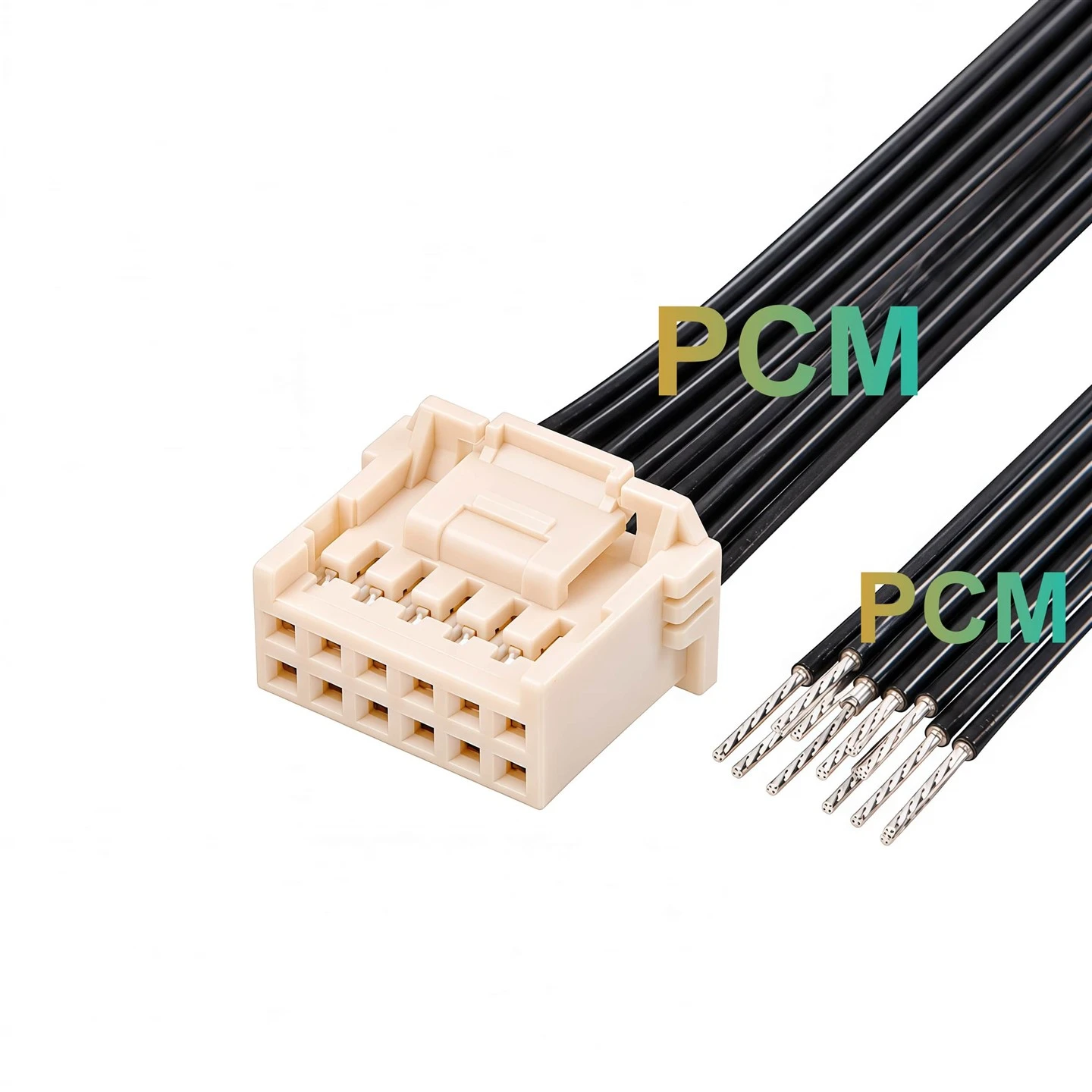
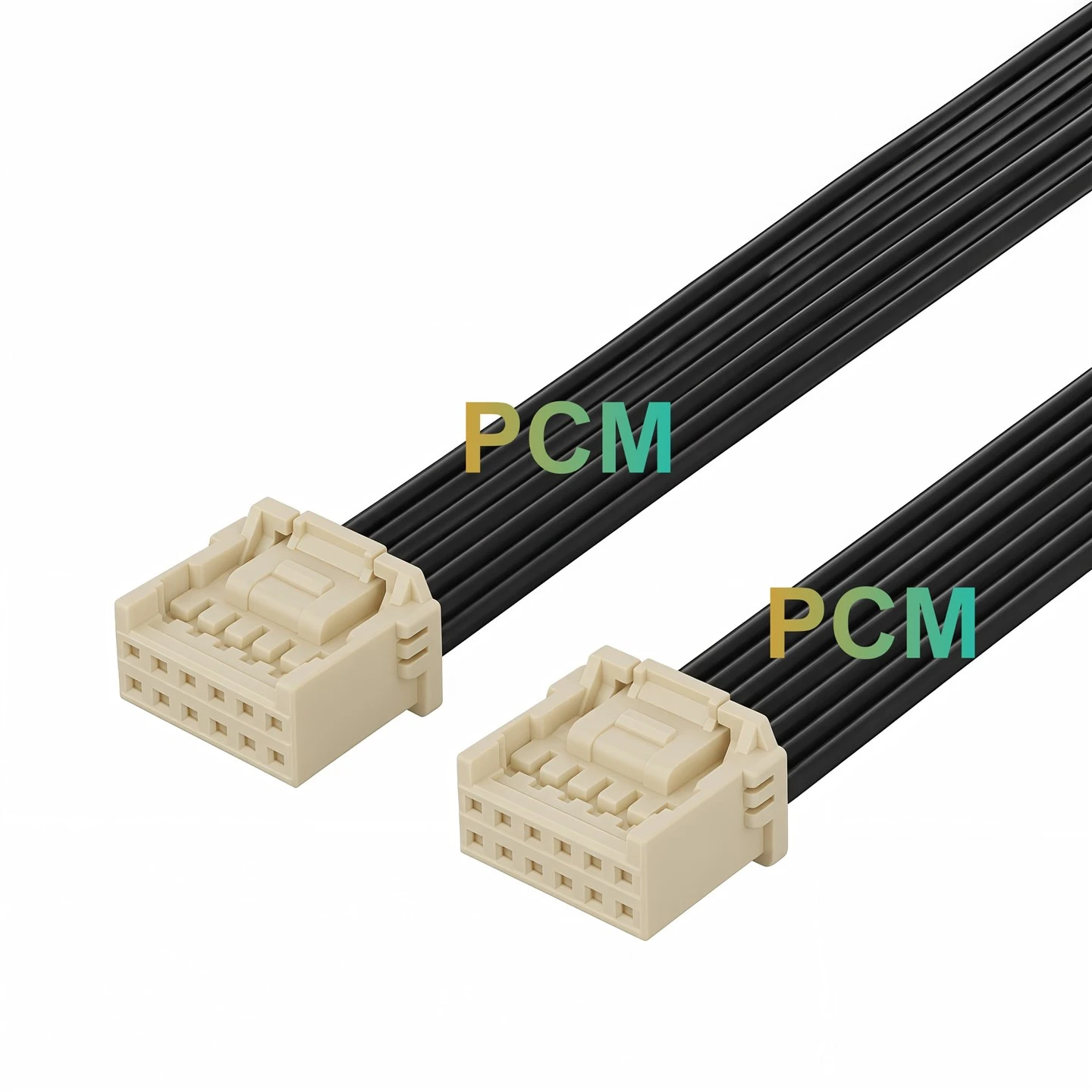
An HD-VI camera cable is an equipment-specific cable assembly used with compatible Huawei professional camera and conferencing hardware. Depending on the system, the cable may connect an HD-VI camera interface directly to the endpoint or convert the camera-side interface to another video connector such as DVI.
This is why the most useful product names usually combine the interface with the application. Examples include Huawei HD-VI Camera Cable, Huawei HD-VI to DVI Camera Cable and HD-VI 28-Pin Camera Cable Connector when the physical connector is known.
For SEO, the hyphen-free form HDVI cable can be included in body text and metadata as a search variation, while HD-VI remains the preferred technical spelling on the page.
8. How to Select a Replacement HD-VI Camera Cable
HD-VI cable selection should start with the equipment, not with the cable appearance alone. Two cables can look similar but use different pin assignments, opposite-end connectors or internal constructions.
Identify the exact VPC or other Huawei camera model.
Provide the TE-series, Box-series or other endpoint model.
Check the original part number, label, length and opposite-end connector.
Confirm contact count, screw-lock structure and connector dimensions.
Specify the installed cable length rather than relying on a generic replacement.
If the exact interface is unknown, provide equipment photos, connector dimensions or an existing cable sample.
9. HD-VI 28-Pin Connector Considerations
Some Huawei-related camera cable assemblies and service cables use compact multi-pin connectors, including 28-pin configurations. When a replacement project is based on a 28-pin cable-side connector, the connector should be identified by more than contact count alone.
Huawei spare-parts documentation also includes D28M power/video and video cable assemblies for certain endpoint configurations. However, a D28M reference should not automatically be treated as identical to every HD-VI 28-pin camera connector. The equipment model and cable part number remain the safer identification method.
For a custom connector or cable: provide the camera model, endpoint model, connector photos, pinout or an original sample whenever possible.

10. Custom HD-VI Camera Cable Assemblies
Replacement and integration projects may require more than a standard off-the-shelf cable. A custom HD-VI camera cable can be specified around the actual camera, endpoint, connector and installation requirements.
Connector Configuration
HD-VI camera connector, DVI-side configuration or equipment-specific opposite end.
Cable Requirements
Specified length, shielding, jacket, conductor arrangement and installation requirements.
Verification
Existing sample, equipment model, wiring information, connector drawing or cable part number.
Frequently Asked Questions
What does HD-VI mean?
HD-VI is the interface name used by Huawei for a high-definition camera connection in selected professional video conferencing systems.
Is HDVI the same as HD-VI?
For page optimization, HDVI can be treated as a hyphen-free search variation. Huawei's official documentation uses HD-VI.
Is HD-VI the same as HDMI?
No. Huawei lists HD-VI and HDMI as separate interfaces on products such as the VPC800.
Can HD-VI connect to DVI?
Yes, in supported Huawei configurations using the correct HD-VI-to-DVI adapter cable. The cable should be matched to the specific camera and endpoint.
Are VPC600 and VPC620 used with Huawei TE-series endpoints?
Huawei TE30, TE40, TE50 and TE60 configuration documentation lists VPC600/VPC620 as the default camera type.
Can I select an HD-VI replacement cable by connector shape alone?
No. Verify the camera model, endpoint model, original cable part number, connector configuration and wiring before ordering.
Need Help Identifying an HD-VI Camera Cable?
Send the camera model, endpoint model, connector photos, required cable length and quantity. If an original cable is available, provide its label, part number, drawing or sample for comparison.
Premier Cable can review equipment-specific HD-VI connector and cable assembly requirements for replacement, maintenance and OEM integration projects.