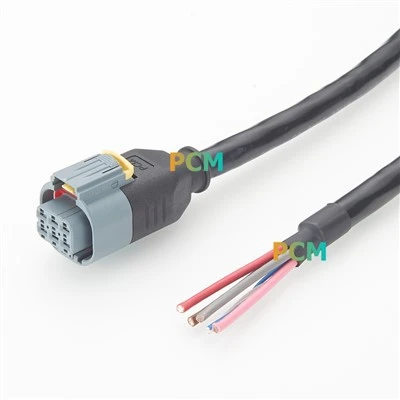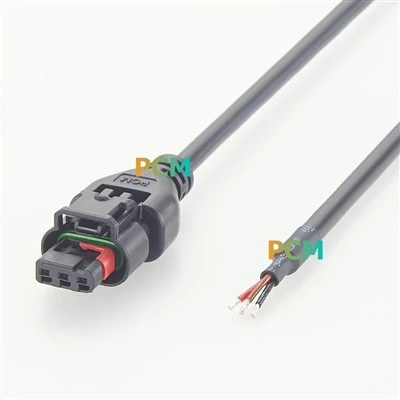
The Type-E connector (USB 3.2/3.1 Type-E) is a high-speed connector on the motherboard for connecting to the front or extended Type-C interface, supporting USB 3.2 Gen2x2 (20Gbps) or even higher specifications. Many mid-to-high-end motherboards are equipped with this interface, which is suitable for high-speed peripherals and storage devices.
1. ASRock's X870E Taichi Lite motherboard supports USB4 Type-C, providing a maximum transfer rate of 40Gbps. The front panel is equipped with a Type-E interface that supports USB 3.2 Gen2x2 (20Gbps).
2. Some high-end models of MSI's Z790 and X870/X870E series (such as Z790 ACE, X870E Carbon) are also equipped with a Type-E connector for connecting to the front Type-C interface to meet high-speed transmission requirements.
3. ASUS's ROG Maximus Z890 series and X870E series also support Type-E connection. The Maximus Z890 Hero is compatible with USB4 and Thunderbolt 4 protocols and provides a 90-degree turn interface for easy wiring.
4. Gigabyte's Z890 AORUS XTREME and other models also provide Type-E support for high-speed Type-C expansion.
The application scenarios mainly include two aspects:
First, connect the front Type-C interface of the chassis to meet the high-speed data transmission requirements of NVMe SSD or high-speed USB flash drive;
Second, some high-end motherboards support USB 4 or Thunderbolt 4 expansion through Type-E to achieve 40Gbps transmission rate and video output function.


Note: Before purchasing, you should confirm whether the chassis supports front Type-C and the corresponding cables. At the same time, please note that some motherboards only support USB 3.2 Gen2 (10 Gbps). The specific functions are subject to the specifications.