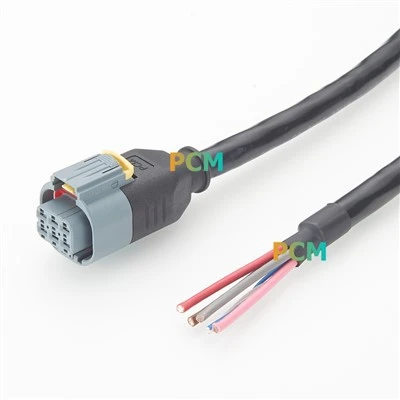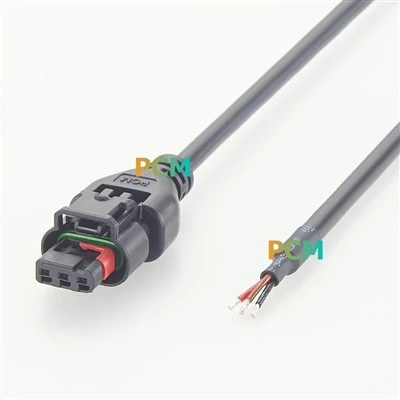
It is not that complicated to use a DMX tester to check the lighting signal failure. In short, it is as follows:
Check the connection first: make sure the DMX line is plugged in properly, and don't let it get loose or break. If you use an adapter, you should also check if there is any problem with the adapter.
Use the tester to check the signal: connect the tester to the DMX line to see if there is any signal. If there is a signal, the tester will display "DMX OK" or light up green; if there is no signal, it may be that the line is broken or the controller is not turned on.
Segmented troubleshooting: If the signal is intermittent, it may be that there is a problem with the line. You can test it section by section to find the part with the problem.
Check the waveform and data: If you have professional tools (such as an oscilloscope), you can check if the signal waveform is normal, or check if the data sent by the console is correct.
Advanced function: If the tester supports RDM (remote device management), you can directly ask the lamp "Are you okay?" The lamp will tell you if there is any problem, such as overheating or incorrect voltage.
Common problems:
If there is no signal at all, it may be that the controller is not turned on or the line is broken.
If the signal is unstable, try changing the wire or adding a 120Ω resistor at the end of the DMX chain.
If the light does not respond, check whether the address setting of the light is correct.
In short, the DMX tester is a "signal doctor" that helps you quickly find the problem and makes it easy to fix it!